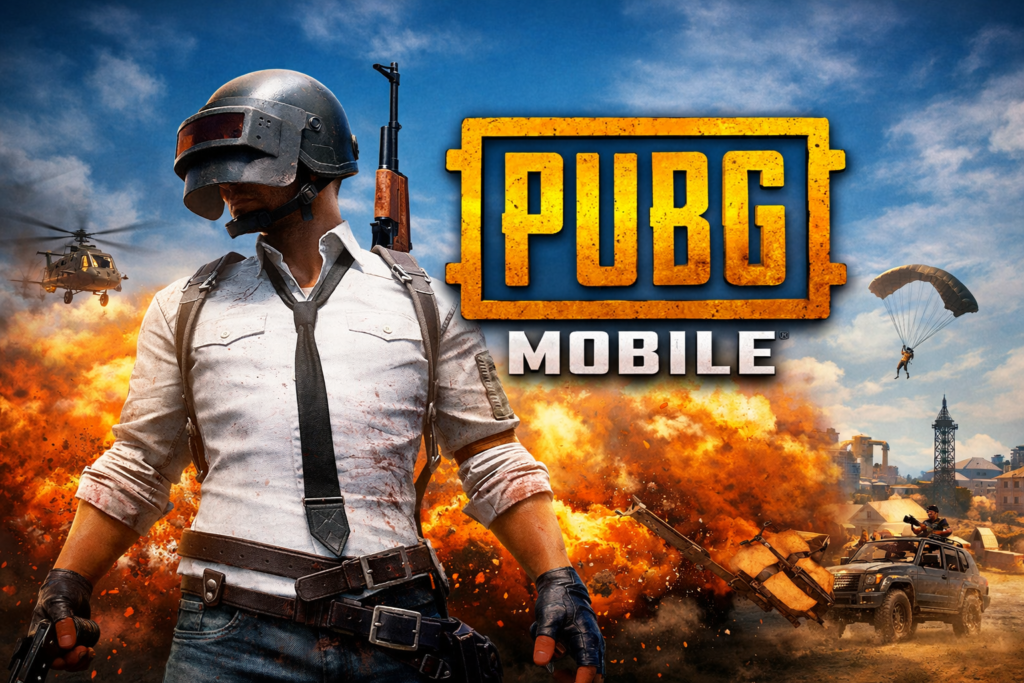

What is PUBG Mobile?
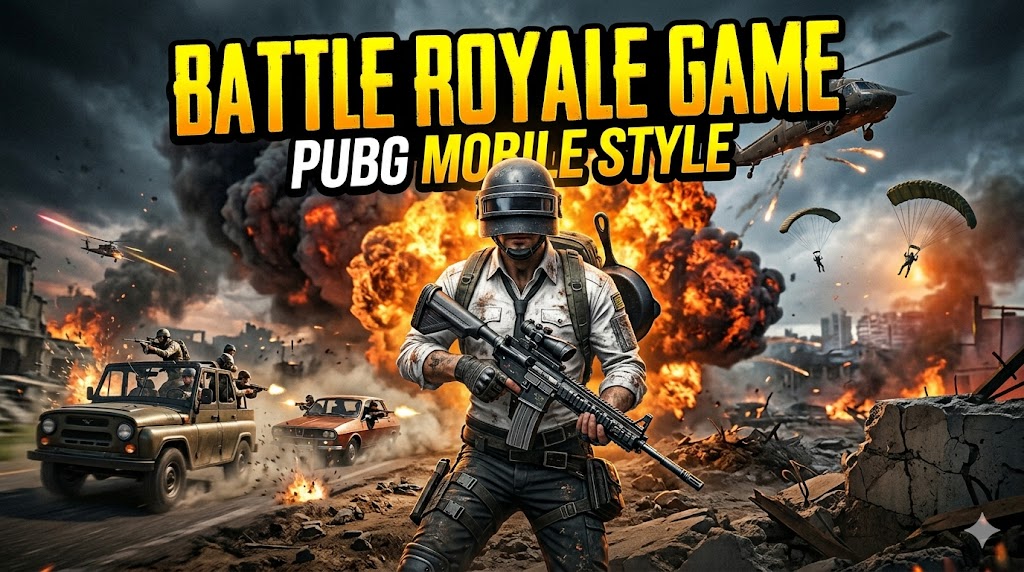
PUBG Mobile (PlayerUnknown’s Battlegrounds) is one of the most popular battle royale games in the world. It drops 100 players onto an island where they must fight, survive, and become the last person or team standing. The game combines strategy, shooting skills, and survival tactics, making it highly competitive and engaging for players of all levels.
PUBG Mobile Key Features
Realistic Battle Royale Experience
PUBG Mobile offers a highly realistic combat system with detailed maps, weapons, and physics. Players must find weapons, manage resources, and stay inside the safe zone while eliminating opponents.
Large Maps and Game Modes
The game includes multiple maps such as:
- Erangel (classic map)
- Miramar (desert environment)
- Livik (fast-paced gameplay)
Different modes include:
- Classic Battle Royale
- Team Deathmatch
- Payload Mode
Multiplayer and Squad Gameplay
Players can:
- Play solo
- Team up in duos
- Join squads with friends
Communication and teamwork are critical for winning matches.
Weapon Variety and Customization
PUBG Mobile includes:
- Assault rifles (M416, AKM)
- Sniper rifles (AWM, Kar98k)
- SMGs and shotguns
Players can attach scopes, silencers, and grips to improve performance.
Regular Updates and Events
The game frequently introduces:
- New skins and outfits
- Seasonal battle passes
- Limited-time events
This keeps gameplay fresh and engaging.
PUBG Mobile for PC (How to Play)
PUBG Mobile is designed for mobile, but you can play it on PC using an emulator.
Steps:
- Download an emulator (Gameloop recommended for PUBG)
- Install the emulator
- Open it and search for PUBG Mobile
- Install and start playing
PUBG Mobile Download (Official Method)
Android Users:
Download from Google Play Store
iPhone Users:
Download from Apple App Store
PC Users:
Use Gameloop Emulator (official Tencent emulator)
Important Warning
Do NOT download:
- MOD APK versions
- Unlimited UC hacks
- Third-party cracked files
These can:
- Ban your account
- Steal your data
- Damage your device
Always use official sources.
PUBG Mobile Tips for Beginners
- Land in less crowded areas to survive longer
- Always carry a mix of weapons (long + short range)
- Use headphones to hear enemy footsteps
- Stay inside the safe zone
- Play with a team for better chances of winning
Why PUBG Mobile is Still Popular
PUBG Mobile remains popular because of:
- Competitive gameplay
- Regular updates
- Strong global community
- Smooth performance on most devices
Conclusion
PUBG Mobile is not just a shooting game—it’s a complete survival experience that tests strategy, reflexes, and teamwork. Whether you play casually or competitively, the game offers endless entertainment. By using official download methods and improving your gameplay skills, you can fully enjoy everything PUBG Mobile has to offer.
PUBG Mobile &Pc Download Links
Android (Google Play Store)
👉 https://play.google.com/store/apps/details?id=com.tencent.ig
iPhone (App Store)
👉 https://apps.apple.com/app/pubg-mobile/id1330123889
PC (Official Emulator – Gameloop)
Don’t just paste raw links like a beginner. Write it like this:
Download PUBG Mobile from official sources:
- Android users can install it directly from the Google Play Store
- iPhone users can download it from the Apple App Store
- PC users should use the official Gameloop emulator for best performance